Understanding Server Uptime, Downtime, and Availability in Web Hosting
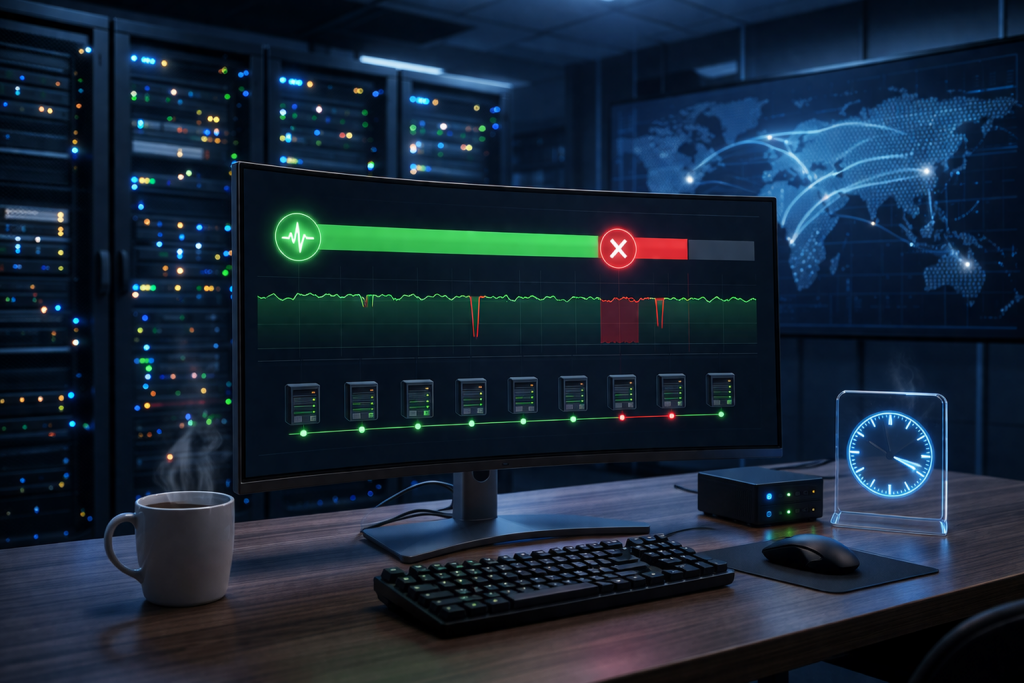
Every hosting company advertises its uptime guarantee. Numbers like 99.9% or 99.99% are displayed proudly on product pages, but few users stop to consider what those figures really mean. Uptime is more than a marketing claim - it's a direct measure of reliability, trust, and technical competence.
Behind each decimal point lies a combination of monitoring systems, backup power, network redundancy, and maintenance policies that determine how often your website stays online.
To understand the quality of a hosting provider, you have to understand uptime and the factors that sustain it.
1. What Uptime Really Measures
Uptime refers to the percentage of time a server remains operational and accessible over a given period, usually a month or a year. It's the opposite of downtime - the intervals when a website or application is unreachable due to failures, maintenance, or connectivity issues.
For example:
- 99% uptime means about 7 hours and 18 minutes of downtime per month.
- 99.9% uptime means around 43 minutes of downtime per month.
- 99.99% uptime reduces that to roughly 4 minutes and 19 seconds.
While these differences might look small on paper, they can be critical. For e-commerce platforms or financial services, even a few minutes of downtime can translate into lost revenue and damaged reputation.
2. Why 100% Uptime Is Impossible
No hosting provider can genuinely guarantee 100% uptime forever. Hardware fails, cables get damaged, software updates require restarts, and power grids occasionally experience outages.
Even with redundant systems in place, temporary interruptions still occur during data center maintenance, DDoS attacks, or network rerouting. The goal isn't perfection but minimization - keeping downtime so short and infrequent that users never notice.
Top-tier hosts build resilience through architecture, not promises.
3. The Components That Affect Uptime
Several interlocking systems determine whether a server stays online:
- Power Supply: Uninterruptible Power Supplies (UPS) and backup generators ensure continuity when the grid fails.
- Network Redundancy: Multiple internet connections keep data flowing even if one carrier experiences an outage.
- Hardware Reliability: Enterprise-grade components and proactive replacement policies reduce failure rates.
- Cooling Systems: Stable temperature and humidity prevent overheating and shutdowns.
- Software Stability: Well-configured operating systems and web servers minimize crashes.
Each layer compensates for potential weak points in the others. When one fails, redundancy keeps the system running.
4. How Downtime Is Monitored
Monitoring uptime isn't guesswork. Hosting providers use automated systems that check server availability from multiple geographic locations every few seconds.
When a website fails to respond, an alert is triggered. Engineers investigate immediately, logging the duration and cause of the outage.
Independent services such as
Pingdom,
UptimeRobot, and
StatusCake allow users to verify uptime claims themselves. Transparent hosts often publish public status pages that display real-time performance metrics, reinforcing accountability.
5. Planned vs. Unplanned Downtime
Not all downtime is a sign of poor performance.
Planned downtime occurs during scheduled maintenance or hardware upgrades. Hosting companies usually notify customers in advance, perform the work during low-traffic hours, and minimize disruption.
Unplanned downtime happens unexpectedly due to hardware failures, software bugs, or external attacks. This is the type of downtime that uptime guarantees primarily address.
The difference between a professional host and an average one lies in how quickly unplanned issues are detected and resolved.
6. Redundancy: The Backbone of Reliability
Redundancy is the principle of duplicating critical components so that if one fails, another takes over instantly.
This applies to nearly every aspect of hosting infrastructure - servers, network switches, power feeds, and even data storage.
For example, a hosting provider may use RAID storage arrays that duplicate data across multiple drives. If one disk fails, another immediately supplies the missing data with no downtime.
Network redundancy follows a similar logic: multiple fiber paths ensure traffic can reroute automatically if one line is cut.
7. Load Balancing and Failover Systems
Uptime also depends on how workloads are distributed.
Load balancers spread traffic evenly across multiple servers. If one server becomes unresponsive, requests are automatically redirected to others in the cluster.
This failover process happens in real time, often invisible to users. High-availability configurations even allow one data center to hand off traffic to another during regional outages.
Such setups are common in cloud hosting, where elasticity and redundancy are built into the architecture.
8. Data Center Tiers and Their Influence on Uptime
Data centers are classified by the
Uptime Institute into four tiers based on infrastructure resilience:
- Tier I: Basic setup, no redundancy.
- Tier II: Some redundant components.
- Tier III: Concurrent maintenance possible, minimal downtime.
- Tier IV: Fully fault-tolerant, capable of continuous operation even during major failures.
Tier III and IV facilities typically support uptime guarantees above 99.9%. When choosing a hosting provider, checking which tier their data centers use provides insight into their reliability.
9. The Role of SLAs (Service Level Agreements)
Uptime guarantees are formalized through
Service Level Agreements (SLAs) - contractual commitments between the host and the client.
An SLA specifies:
- The minimum uptime percentage.
- The method of measurement.
- Compensation or credit if uptime falls below the threshold.
For instance, if a provider guarantees 99.9% uptime but delivers only 99%, customers might receive a partial refund or service credit.
These agreements create accountability and help customers evaluate whether a provider truly meets its promises.
10. Common Causes of Downtime
Even the best systems face occasional disruptions. The most common causes include:
- Hardware failure: Disk crashes, faulty RAM, or power supply issues.
- Network problems: Misconfigured routers, ISP outages, or fiber cuts.
- Software bugs: Updates introducing instability or compatibility errors.
- Cyberattacks: DDoS floods or targeted exploits overwhelming the server.
- Human error: Mistyped commands or improper configurations during maintenance.
The difference between a minor glitch and a major outage often comes down to how quickly these problems are detected and contained.
11. Geographic Redundancy and Disaster Recovery
For large websites, uptime isn't just about individual servers - it's about entire regions staying connected.
Geographic redundancy stores identical data across multiple data centers in different cities or countries. If one region experiences a natural disaster or power failure, traffic automatically shifts to another.
Disaster recovery systems replicate data in real time using technologies like database replication and block-level synchronization. The result is near-continuous availability even under catastrophic conditions.
12. Monitoring Tools for Users
Website owners can also track their own uptime using external monitoring tools. These systems test site availability from various global locations and send alerts by email or SMS if downtime is detected.
Such tools help verify whether downtime originates from the hosting provider, a DNS issue, or a local network problem.
Some advanced monitors record response times, allowing users to spot gradual performance degradation before it turns into a full outage.
13. The Human Factor: Support Response Times
Infrastructure alone doesn't guarantee uptime. The expertise and responsiveness of the support team play a crucial role.
A provider with 24/7 monitoring but slow incident response can't maintain consistent uptime. Rapid escalation procedures, on-call engineers, and clear communication channels are what turn technical redundancy into actual reliability.
Hosting companies that combine automated monitoring with experienced human oversight consistently deliver better uptime statistics.
14. The Relationship Between Uptime and SEO
Search engines value reliability. Frequent downtime prevents crawlers from accessing pages, which can lead to indexing delays or temporary ranking drops.
Although occasional maintenance won't harm SEO, repeated or extended outages send negative signals about site quality and trustworthiness.
Consistent uptime ensures that both users and search engines can access content anytime, preserving engagement and authority.
15. Measuring Real-World Uptime
A provider's advertised uptime is an estimate based on ideal conditions. Actual uptime varies depending on the type of hosting plan and infrastructure.
Shared hosting environments may experience brief downtimes due to maintenance affecting multiple clients. VPS and cloud systems tend to maintain higher availability through isolation and redundancy.
To measure real uptime, track logs over several months rather than relying on short-term snapshots. Patterns often reveal whether downtime is random or systemic.
16. Balancing Uptime with Maintenance
Maintenance is necessary to keep servers secure and efficient. The challenge lies in performing it without affecting uptime.
Techniques like
live kernel patching and
hot swapping allow administrators to apply updates or replace components without rebooting. Cloud systems take this further by migrating workloads seamlessly between nodes during maintenance windows.
The goal is to combine preventive care with continuity - maintaining servers proactively while keeping services uninterrupted.
17. How Hosting Type Influences Availability
Different hosting models naturally achieve different uptime levels:
- Shared hosting: Most affordable but limited redundancy. Suitable for low-impact sites.
- VPS hosting: Offers better isolation and control, leading to higher uptime.
- Dedicated servers: Excellent control but depends on hardware reliability.
- Cloud hosting: Highest uptime potential thanks to distributed architecture and auto-scaling.
Choosing the right model depends on how critical your website's availability is to your business.
18. The Future of Uptime Optimization
Automation and AI are beginning to predict and prevent downtime before it occurs. Machine learning algorithms now analyze log data to detect early signs of hardware degradation or network instability.
Predictive maintenance reduces unexpected failures, while self-healing systems automatically reroute traffic around problematic nodes.
These innovations will likely push uptime percentages even closer to theoretical perfection - though true 100% remains out of reach.
Conclusion
Uptime isn't just a technical metric; it's a reflection of reliability, engineering, and accountability. Behind every fraction of a percent lies a web of redundant systems, vigilant monitoring, and skilled human intervention.
A dependable hosting provider doesn't promise zero downtime but ensures that when interruptions happen, they're brief, controlled, and quickly resolved.
For businesses, uptime represents more than server stability - it's the foundation of trust between the brand and its audience. Every second a site remains available is a small but powerful statement of consistency and credibility.